Maintenance
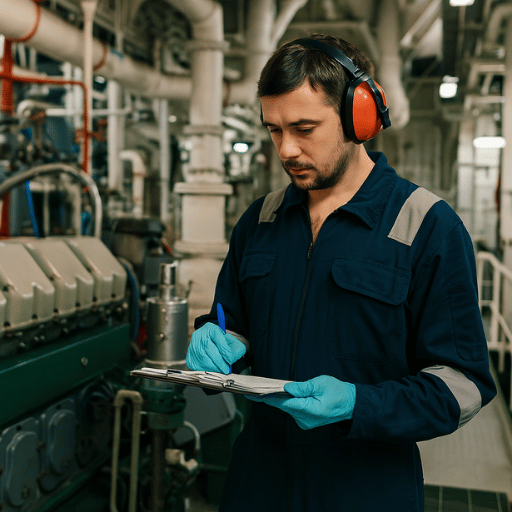
You can create maintenance tasks specific to the machines and departments on your ship and track their details. With our advanced software, the maintenance dates are automatically calculated using the operational hours of your machines. You can review maintenance-related information and create reports.
With our advanced maintenance system, you can automatically define maintenance for the machines you have saved in your machine library. By entering the operating hours of your machine, you can repeat maintenance at specific date intervals or after a certain number of operating hours. Our advanced software calculates these dates automatically, ensuring that you do not miss any maintenance.
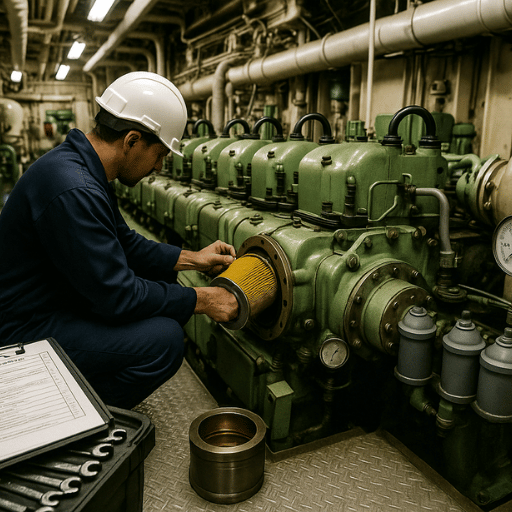
You can add documents to be used for maintenance, specify how and by whom the maintenance will be performed, and select the necessary parts for the maintenance from your parts library.
Reports
You can easily create reports for your maintenance and view them. You can record the parts used in maintenance and add visuals and files to your report.
For the maintenance you have created, you can easily generate maintenance reports. With the reports you create, you can carry out the planned maintenance and automatically reach the next maintenance date. In your report, you can write all the details about the work performed, add images of the maintenance, and select the parts used to automatically reduce your stock.